Home / Journal / Technical research
Programming for visual artists: why code is part of the craft now
Five programming ideas that matter for designers, and an experiment where the same algorithm runs about 49 times faster when written as array code.
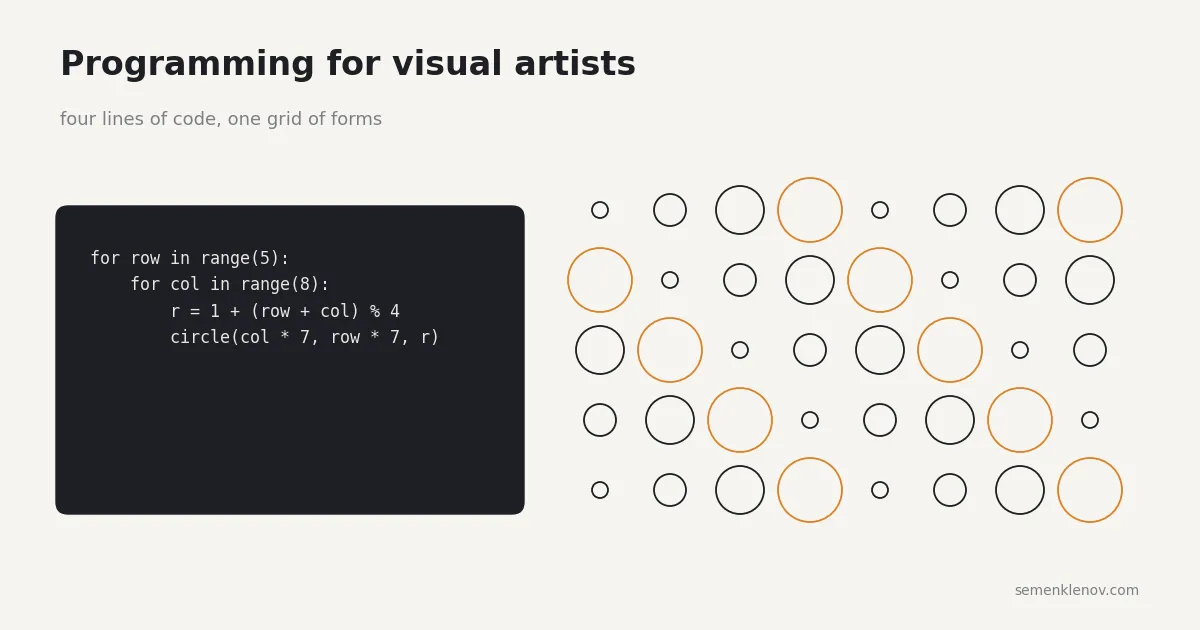
I am not a traditional programmer. I came to code from the visual side: lighting, cameras, 3D and motion. Yet today a large part of my work runs on scripts: the publishing system for my articles, the agents that organise my projects, the analysis inside SMART ONE and the procedural rules in Houdini. In this article I explain to young designers why programming has become part of the visual craft and which ideas matter most. I also show one experiment where the same algorithm runs about 50 times faster just because it is written differently.
Why artists should learn some code
- Automation. Renaming 500 files, rendering 30 variants, exporting a model to five formats: a script does in seconds what takes a day by hand.
- Procedural thinking. Houdini, Blender geometry nodes and shaders are programming in visual form. Understanding variables, loops and conditions makes them much easier.
- Talking to engineers. Technical artists are valued because they can translate between art and code.
- Working with AI. Today you can describe a tool and have an AI write a first version, but you still need to read, test and fix it. That needs basic literacy, not a computer-science degree.
Five ideas that carry most of the weight
- Data types. A pixel, a colour, a vertex and a list of objects are all data with a shape. Most bugs are a wrong assumption about shape.
- Functions. Name a step, give it inputs, get an output. Good scripts are small functions combined.
- Loops and vectorisation. You can process items one by one, or you can describe an operation on a whole array at once. The second is often far faster (see the experiment).
- Complexity. How the work grows with the input. Doubling the image size doubles the work of a per-pixel operation (linear, O(n)). Comparing every pixel with every other pixel quadruples it (quadratic, O(n²)). This decides whether a tool scales.
- Reproducibility. Fixed random seeds, saved settings, version control (git). If you cannot rerun it, you cannot trust it. Every experiment in my articles comes with code for this reason.
The experiment: a loop versus an array
The task: brighten a 1-megapixel greyscale image by 20% and clip at white. Two versions with identical results:
- (a) a plain Python loop over every pixel;
- (b) one NumPy expression on the whole array.
| Version | Time (median of 5 runs) |
|---|---|
| Python loop | 81.7 ms |
| NumPy vectorised | 1.67 ms |
| Speed-up | ≈ 49× |
Measured in Python 3.13 and NumPy 2.5 on an x86-64 machine; exact numbers vary by computer, but the order of magnitude is typical. The algorithm is the same. The difference is where the loop runs. In the first version, Python interprets every step for every pixel. In the second, the loop runs inside compiled, optimised code that processes whole blocks of memory. Harris et al. (2020) describe how this array-programming model became the basis of scientific computing in Python.
For artists the lesson is practical: think in whole images, meshes and arrays, not in single pixels. This is also how shaders and GPU code work.
A practical path
- Start from a real annoyance in your work, not from abstract exercises.
- Learn Python first. Blender, Houdini, Nuke, Maya, DaVinci Resolve and most AI tools speak it.
- Use AI as a pair programmer, not a replacement. Ask it to explain every line it writes.
- Keep scripts in git and write a short README: what it does, how to run it, what it needs.
What this means for my work
My systems are built this way. SAM routes tasks between AI agents through command-line tools and APIs. BrandBoss adapts and publishes my articles across platforms. SMART ONE processes images as arrays. My Houdini generator encodes architecture as rules. None of it requires being a “programmer” in the classic sense. All of it requires thinking clearly about data and steps.
If you are just starting
- Write a script that renames and resizes a folder of your images. It is a perfect first project.
- Learn NumPy arrays early. Images are arrays.
- Make one Blender or Houdini tool with three parameters and share it.
Reproduce it
import time, numpy as np
img = np.random.default_rng(0).random((1000, 1000))
def loop(a):
    out = [[0.0]*a.shape[1] for _ in range(a.shape[0])]
    for i, r in enumerate(a.tolist()):
        for j, v in enumerate(r): out[i][j] = min(v*1.2, 1.0)
    return out
t = time.perf_counter(); loop(img); t1 = time.perf_counter() - t
t = time.perf_counter(); np.minimum(img*1.2, 1.0); t2 = time.perf_counter() - t
print(round(t1/t2), "x faster")
References
- Harris, C. R., Millman, K. J., van der Walt, S. J., et al. (2020). Array programming with NumPy. Nature, 585, 357–362. https://doi.org/10.1038/s41586-020-2649-2
SEMEN KLENOV · Programming for visual artists. Drafted with AI assistance; experiment code and numbers checked by the author.